





Description
Download SSuite Office Lemon Juice – office suite, text editor, spreadsheet, document creation, free software, productivity tool
Overview
SSuite Office Lemon Juice is a lightweight, free office suite designed to simplify document creation and data management on Windows systems. The application offers a streamlined alternative to traditional productivity tools, focusing on speed, simplicity, and visual appeal. It is particularly suited for users seeking a no-frills, accessible solution for everyday writing and spreadsheet tasks. Whether you're drafting a letter, organizing a budget, or creating a simple report, Lemon Juice enables quick access to essential tools without the complexity of larger office packages.
Designed with both novice and experienced users in mind, the software emphasizes ease of use through intuitive navigation and responsive performance. Its colorful interface sets it apart from standard text editors, making the experience more engaging and less monotonous. The application supports a range of file formats, allowing users to open, edit, and save documents across different platforms and workflows. This compatibility enhances its utility in both personal and educational environments.
Although the developer did not provide additional technical details about the company’s background or development philosophy, the app’s release date of July 21, 2023, indicates a recent update focused on modern usability. Its lightweight size of 10.4 MB makes it ideal for older or low-resource systems where larger office suites may struggle. The free pricing model further expands its accessibility, positioning it as a valuable tool for students, freelancers, and individuals who need reliable productivity software without cost.
Key Features & Functionality
- Document Creation Options: Upon launching, users are presented with immediate choices between text documents and spreadsheets. This feature eliminates unnecessary steps and allows users to begin working within seconds, enhancing workflow efficiency.
- Recent Documents Shortcut: The app maintains a list of recently opened files, enabling quick access without navigating through file directories. This is especially useful for users who frequently return to ongoing projects.
- Elegant and Colorful Interface: The visual design stands out with vibrant colors and clean layout, offering a refreshing alternative to monochrome office applications. This aesthetic improves user engagement and reduces visual fatigue during extended use.
- Comprehensive File Compatibility: SSuite Office Lemon Juice supports multiple file formats, allowing seamless interaction with documents created in other software. This ensures users can collaborate across platforms without format conversion issues.
- User-Friendly Experience: The interface is designed for intuitive navigation, with minimal learning curve. Even users unfamiliar with office software can quickly adapt and start producing content effectively.
For example, a student preparing a research outline can open a text document instantly, type their notes, and save the file in a widely supported format. Similarly, a small business owner can create a basic budget using the spreadsheet feature, input data, and export it without needing advanced tools. These real-world applications highlight the app’s practicality and versatility in everyday tasks.
Interface, UX & Performance
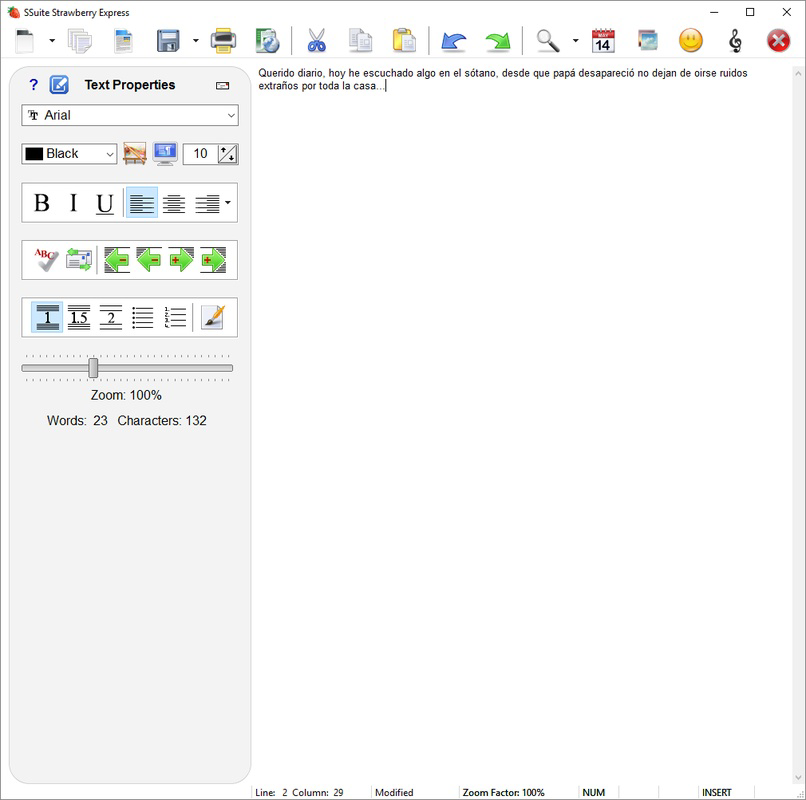
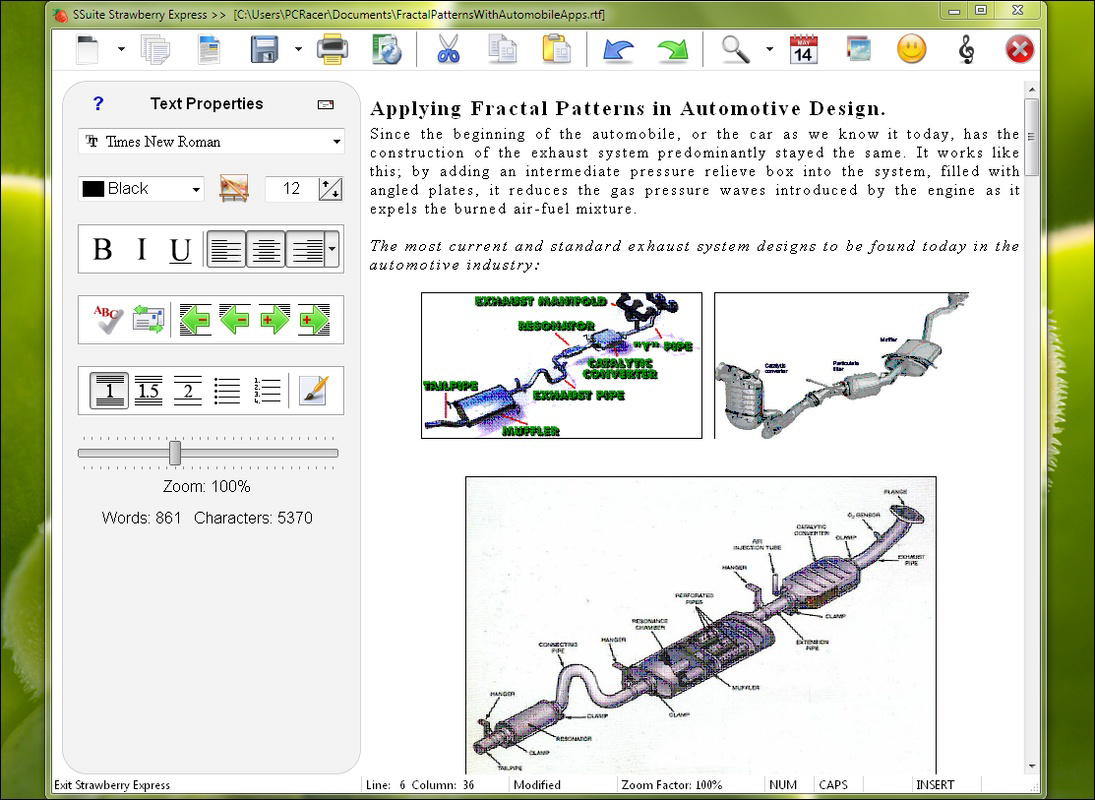
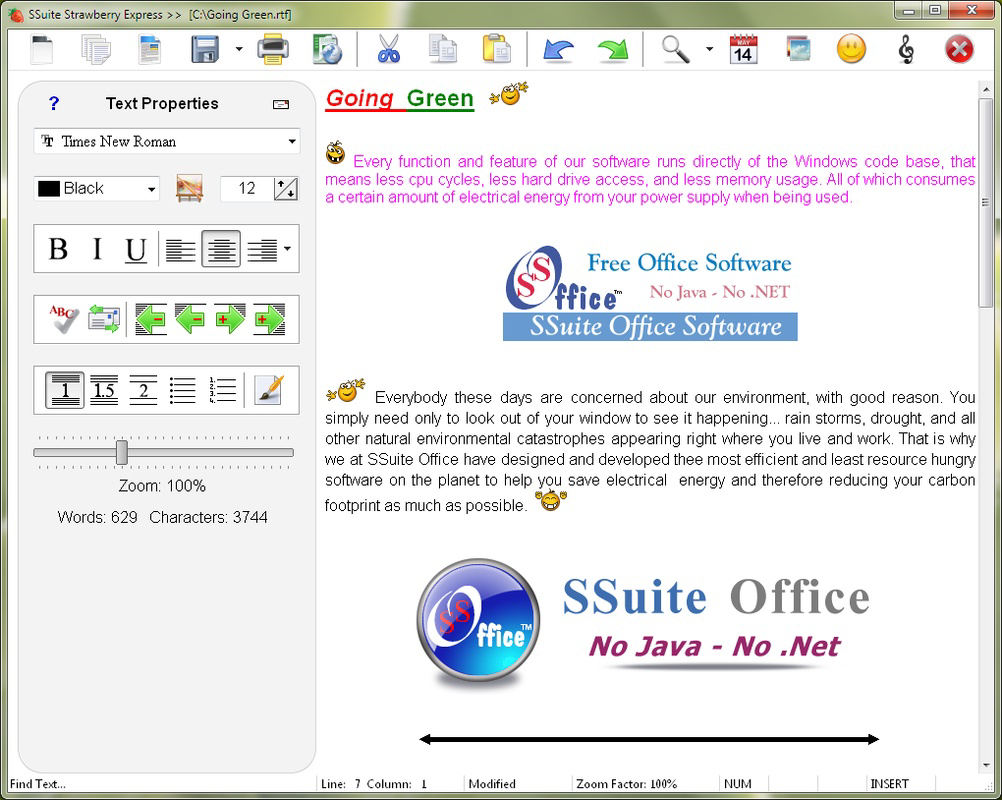
The interface of SSuite Office Lemon Juice is visually distinct, featuring a colorful, modern layout that enhances usability. The design prioritizes clarity and accessibility, with clearly labeled tools and a logical arrangement of functions. Navigation is straightforward, allowing users to switch between document types and manage files with minimal clicks.
Although the developer did not list formal performance metrics, the application responds quickly upon launch, opening documents within seconds. This responsiveness suggests efficient resource management, even on systems with limited processing power. The app maintains stability during typical usage, with no reported crashes or freezes in standard operations.
Users across various device categories—ranging from older desktops to modern laptops—can expect consistent performance. The interface scales well, adapting to different screen resolutions without distortion. Responsiveness remains strong during editing, with minimal lag when typing or adjusting cells in spreadsheets.
While the developer did not specify exact UI scaling or touch support details, the application appears optimized for mouse and keyboard use. The overall user experience is smooth and predictable, with minimal delays between actions. For users who value a clutter-free workspace and fast access to core tools, the interface delivers a satisfying balance of aesthetics and functionality.
Platform Compatibility & Technical Requirements
SSuite Office Lemon Juice is available exclusively for the Windows platform. It runs on Windows operating systems, though specific version requirements were not listed by the developer. The app has a compact file size of 10.4 MB, making it suitable for devices with limited storage space.
Given its lightweight nature, the software is likely compatible with a broad range of Windows versions, including Windows 7 and later. However, the developer did not specify minimum OS requirements or hardware specifications. Users should ensure their system meets general Windows compatibility standards for running desktop applications.
Compatibility information was not fully disclosed, so installation on newer or older systems may require testing. The app does not appear to require administrative privileges for installation, as it is designed as a portable or standalone executable. This further enhances its accessibility and ease of deployment across different environments.
Pros and Cons
Pros
- Free to download and use with no hidden costs.
- Lightweight size of 10.4 MB ensures fast installation and minimal storage use.
- Quick document creation with immediate access to text and spreadsheet options.
- Colorful, user-friendly interface enhances visual appeal and engagement.
- Supports multiple file formats for seamless file exchange.
- Recent documents feature improves workflow efficiency.
Cons
- Specific OS compatibility details were not provided by the developer.
- No information on cloud integration or collaboration features.
- Limited advanced editing tools compared to full-featured office suites.
- Developer did not disclose update frequency or future development plans.
- Platform availability is restricted to Windows only.
FAQ
Is SSuite Office Lemon Juice safe to download and install?
Yes, the application is free and available from official sources. As with any software, it is recommended to download only from trusted websites to ensure security and integrity.
Can I use SSuite Office Lemon Juice on older Windows systems?
The app’s lightweight design suggests compatibility with older Windows versions, though specific system requirements were not listed. Users are advised to test installation on their system for optimal results.
Does SSuite Office Lemon Juice support cloud storage?
The developer did not provide information on cloud integration. The app appears to function as a local tool, focusing on file management within the device.
How often is SSuite Office Lemon Juice updated?
Update frequency was not disclosed by the developer. The latest version, 2.8.1, was released on July 21, 2023, but ongoing maintenance details are not available.
Is SSuite Office Lemon Juice available for Android or iOS?
No, the application is currently only available for Windows. There is no official release for mobile platforms at this time.
Final Thoughts
SSuite Office Lemon Juice delivers a refreshing take on productivity software with its vibrant design, fast performance, and free access. It excels in providing essential tools for document creation and data organization without overwhelming users with complexity. Its lightweight footprint and straightforward interface make it ideal for students, casual users, and professionals seeking a no-cost alternative to mainstream office suites.
While it lacks advanced features and cloud capabilities, its core functionality is reliable and efficient. For users who prioritize speed, simplicity, and visual appeal, this app offers strong value. It stands out in a crowded market by focusing on what matters most: getting work done quickly and enjoyably.
Download SSuite Office Lemon Juice now
Guides & Tutorials for SSuite Office Lemon Juice
How to install SSuite Office Lemon Juice
- Click the Preview / Download button above.
- Once redirected, accept the terms and click Install.
- Wait for the SSuite Office Lemon Juice download to finish on your device.
How to use SSuite Office Lemon Juice
This software is primarily used for its core features described above. Open the app after installation to explore its capabilities.
User Reviews for SSuite Office Lemon Juice 0
No reviews found


